

Skip to content
iEmployeeiEmployee
Request a Demo
Home/Platform/Manager Control

Manager Control

Manage People.Not Paperwork.

Managers get the visibility they need and a single queue for everything waiting on them — no spreadsheets, no forwarded emails.
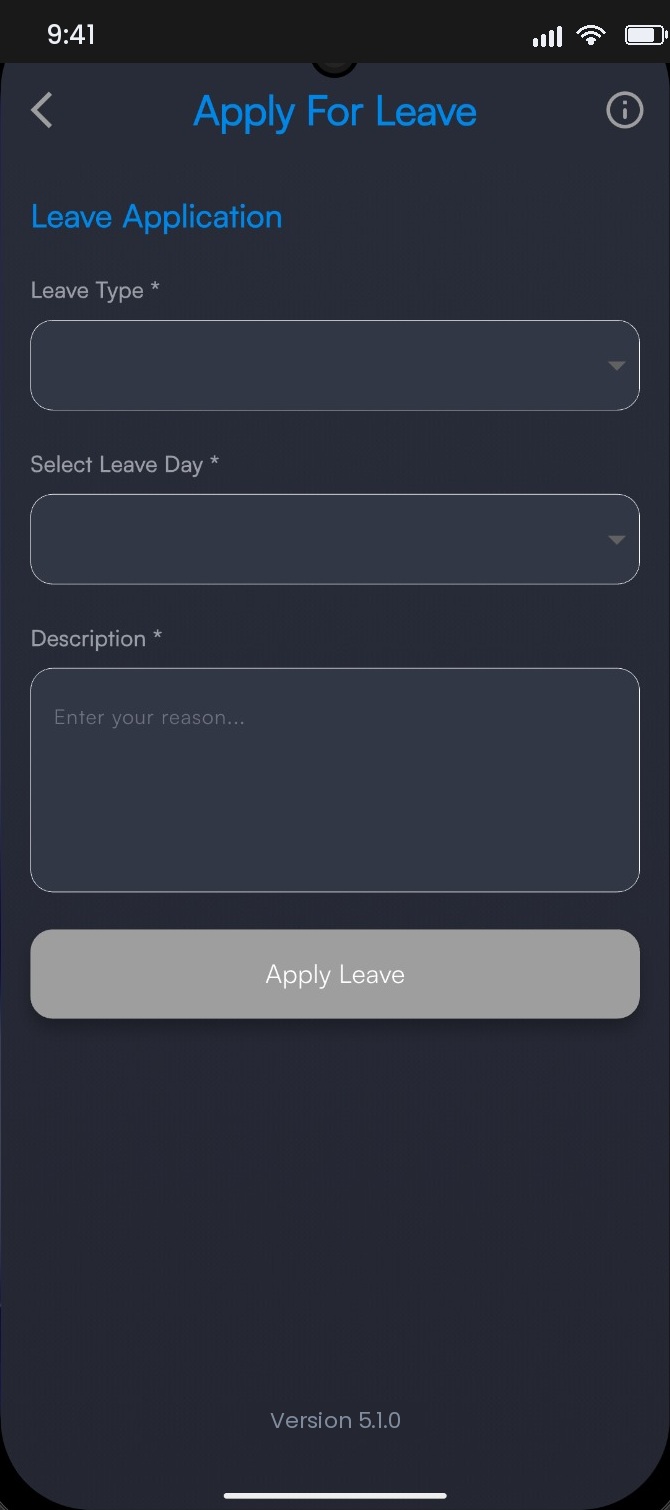
Leave request awaiting approval

Overview

The process stallsat the manager, not the policy.

Policies are written by HR but executed by line managers between meetings. When approvals live in message threads and team attendance arrives as a forwarded spreadsheet, requests drift for days and every branch ends up applying the same rule slightly differently.

iEmployee gives each manager one screen: the team’s day, the queue of everything waiting on them, and enough context to decide. Approvals happen where the request was raised, and the record is kept without anyone filing anything.

The operational problem

Line managers approve leave over WhatsApp, hear about absence secondhand, and rebuild the same team report every month by hand.

How iEmployee addresses it

One screen shows who is present, what is pending, and how the department is trending — with approvals handled where the request was raised.

Capabilities

What you getout of the box.

Team attendance monitoring

Live, without chasing updates by phone.

One approval queue

Leave, overtime and exceptions together.

Employee status visibility

Who is present and available right now.

Department reports

Focused insight for the team you own.

Escalation alerts

When a request has been waiting too long.

Outside-zone decisions

Approve or reject with the location in view.

User workflow

How it runson an ordinary day.

STEP 01

Open the manager view

The team’s day is already loaded.

STEP 02

Clear the queue

Each request carries its own context and history.

STEP 03

Handle exceptions

Outside-zone check-ins arrive with location attached.

STEP 04

Review the month

Department reporting without manual assembly.

Benefits by role

Three people.One system.

Employees

Requests get answered the same day instead of drifting.

Managers

One place for approvals, with the record kept automatically.

Leadership

Consistent manager behaviour across every branch.

Frequently asked

Questions we getbefore every rollout.

Can approval levels be configured?

Yes. Single-level manager approval or manager plus HR review are both supported.

What happens when a manager is on leave?

Delegation and escalation rules are configured during onboarding.

Do managers see other departments?

Only if their role grants it. All access is role-based by design.

Ready whenyou are.

See iEmployee configured for your branches, shifts and approval structure.