

Skip to content
iEmployeeiEmployee
Request a Demo
Home/Platform/Field Workforce

Field Workforce

The Field.Finally Visible.

Attendance confirms the start of the day. iEmployee reveals what happens after — every customer visit, every technician callout, every sales call, recorded as it happens.
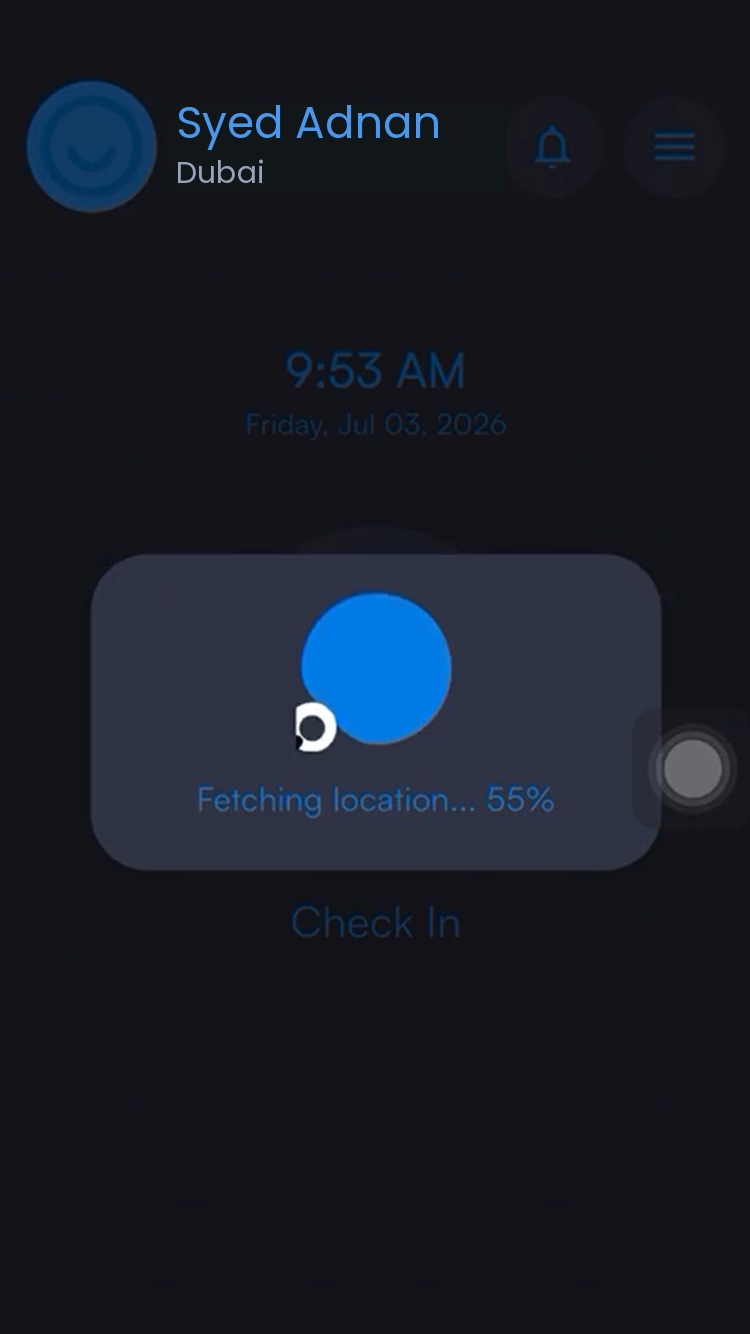
iEmployee verifying location at check in

Overview

Nine hoursyou cannot currently see.

For sales, service and technician teams, attendance only proves the day started. Everything of value happens afterwards, at customer sites the office never sees, and it is usually reported from memory once everyone is already heading home.

iEmployee turns that gap into a record. Each visit is logged with time, location and purpose as it happens, building one continuous timeline from check-in to check-out that a manager can open at eleven in the morning rather than reconstruct at six in the evening.

The operational problem

Field teams become invisible to the office the moment they leave the building. Managers rely on end-of-day recollection, and there is no reliable record of where time was actually spent.

How iEmployee addresses it

Employees log each visit — arrival, location and purpose — building a continuous, auditable timeline from check-in to check-out, with managers notified as it happens.

Capabilities

What you getout of the box.

Verified day start

The timeline opens with a geo-verified check-in.

Geo-tagged location

Captured on every visit that is logged.

Purpose notes

Customer, meeting or assignment context on each stop.

Manager notification

Visibility as each new visit is recorded.

One connected timeline

Viewable historically, not just today.

Policy-led configuration

Optional or required, by role, per your policy.

User workflow

How it runson an ordinary day.

STEP 01

Check in for the day

Location is verified against the approved zone.

STEP 02

Log visit 1

Arrival, location and purpose captured in seconds.

STEP 03

Manager sees it live

No call-in, no end-of-day recollection.

STEP 04

Check out

A complete, timestamped timeline closes the day.

A day, mapped

Check-in to check-out,one unbroken record.

Each stop joins the same timeline. Nothing is reconstructed from memory at 6pm.

IN 1 2 3 OUT VISIT 2 OF 3 Al Quoz — service call 11:24 · geo-tagged

Benefits by role

Three people.One system.

Employees

A visit takes seconds to log — no separate call-in or paperwork.

Managers

A live, accurate picture of the team’s day without chasing updates by phone.

Leadership

Field productivity becomes a measurable, comparable metric across branches.

Frequently asked

Questions we getbefore every rollout.

Is field-visit logging mandatory?

No. It is configured according to company policy — some organizations make it optional, others require it for specific roles.

Can employees see their own visit history?

Yes, employees keep visibility into their own recorded activity at all times.

Is location tracked continuously?

No. Location is captured only when an employee performs an authorised location-based action, such as check-in, check-out or recording a visit.

Ready whenyou are.

See iEmployee configured for your branches, shifts and approval structure.