

Skip to content
iEmployeeiEmployee
Request a Demo
Home/Platform/Attendance

Attendance

One Tap.Verified. Anywhere.

Attendance is the first signal of a working day, and the one most organizations still get wrong. iEmployee replaces registers, disconnected devices and manual spreadsheets with one accurate digital record.
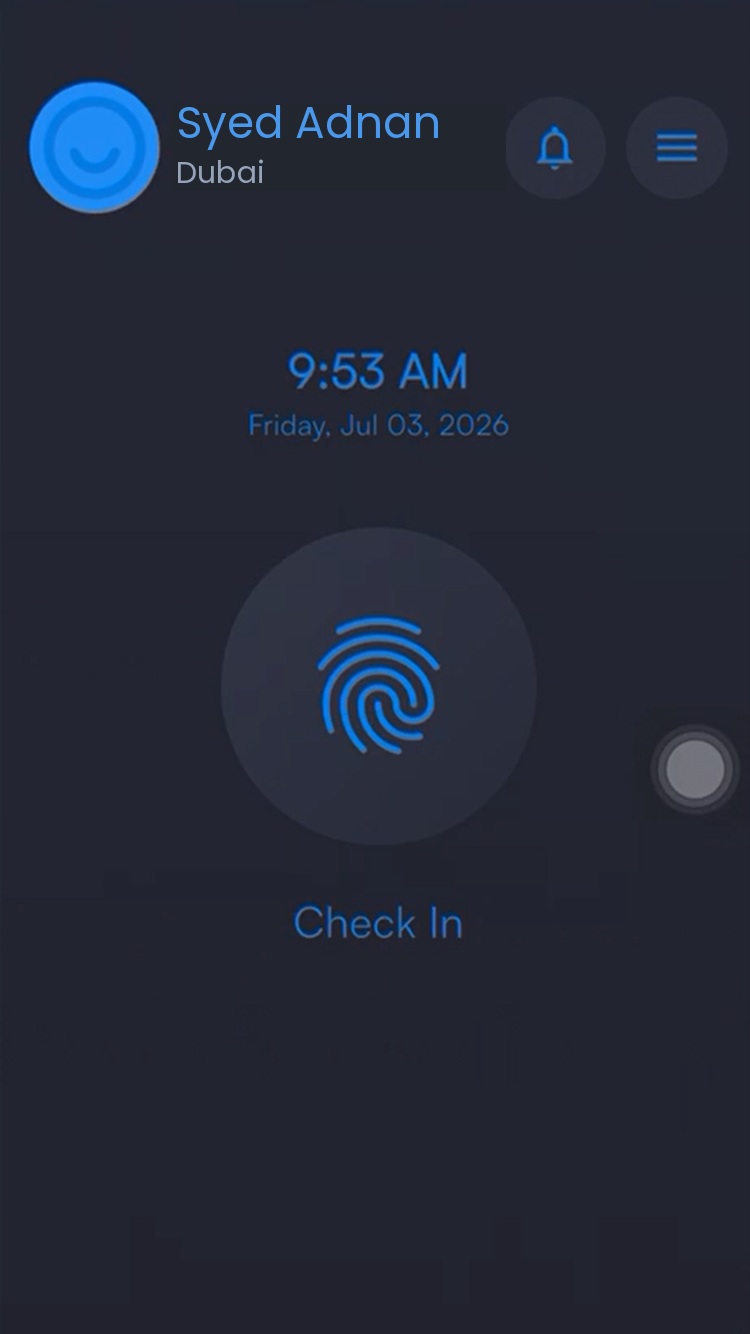
Employee tapping check in

Overview

The first ten secondsof the working day.

Attendance is the smallest interaction in the platform and the one that decides everything downstream. If the record of who arrived, when and where is not trusted, payroll becomes an argument and every report built on top of it becomes guesswork.

iEmployee captures that moment on the employee’s own phone, verified against an approved geofence, and writes it straight to the organization’s record. No register at the gate, no device to maintain, and nothing to reconstruct at the end of the month.

The operational problem

Manual or disconnected attendance creates disputes, delays payroll inputs, and leaves nobody sure who is actually present, where, and on time — especially across multiple sites.

How iEmployee addresses it

Every employee gets one simple check-in and check-out action, verified by GPS and geofencing, with every exception routed to the responsible manager automatically.

Capabilities

What you getout of the box.

Digital Check-In & Check-Out

Accurate timestamps on every action.

GPS & Geo-Fenced Attendance

Presence verified within approved locations.

Selfie verification at check-in

Available subject to configuration.

Late & Absence Tracking

Exception flags now, not at month-end.

Outside-Premises Approval

A workflow for field and remote check-ins.

Daily & Monthly Reports

Exportable for payroll.

User workflow

How it runson an ordinary day.

STEP 01

Employee taps Check In

One action in the app opens the working day.

STEP 02

Location is verified

The check-in is matched against the approved geofence.

STEP 03

Exceptions route automatically

Outside the zone, the manager is notified for approval.

STEP 04

Attendance is recorded

It appears instantly on the dashboard; Check Out closes the record.

Benefits by role

Three people.One system.

Employees

A ten-second action replaces a queue at a register or a phone call to HR.

Managers

Exceptions surface automatically instead of being discovered at month-end.

Leadership

One live view of attendance across every branch, with no manual consolidation.

Frequently asked

Questions we getbefore every rollout.

Does attendance require special hardware?

No. Attendance is captured through the employee’s own phone; biometric-device integration is available subject to configuration.

What happens if an employee checks in outside an approved location?

The event is flagged and routed to the responsible manager for approval or rejection, creating a transparent record instead of an informal conversation.

Can employees edit their own attendance records?

No. Employees can view their records; edits and exceptions run through the manager-approval workflow.

Ready whenyou are.

See iEmployee configured for your branches, shifts and approval structure.